


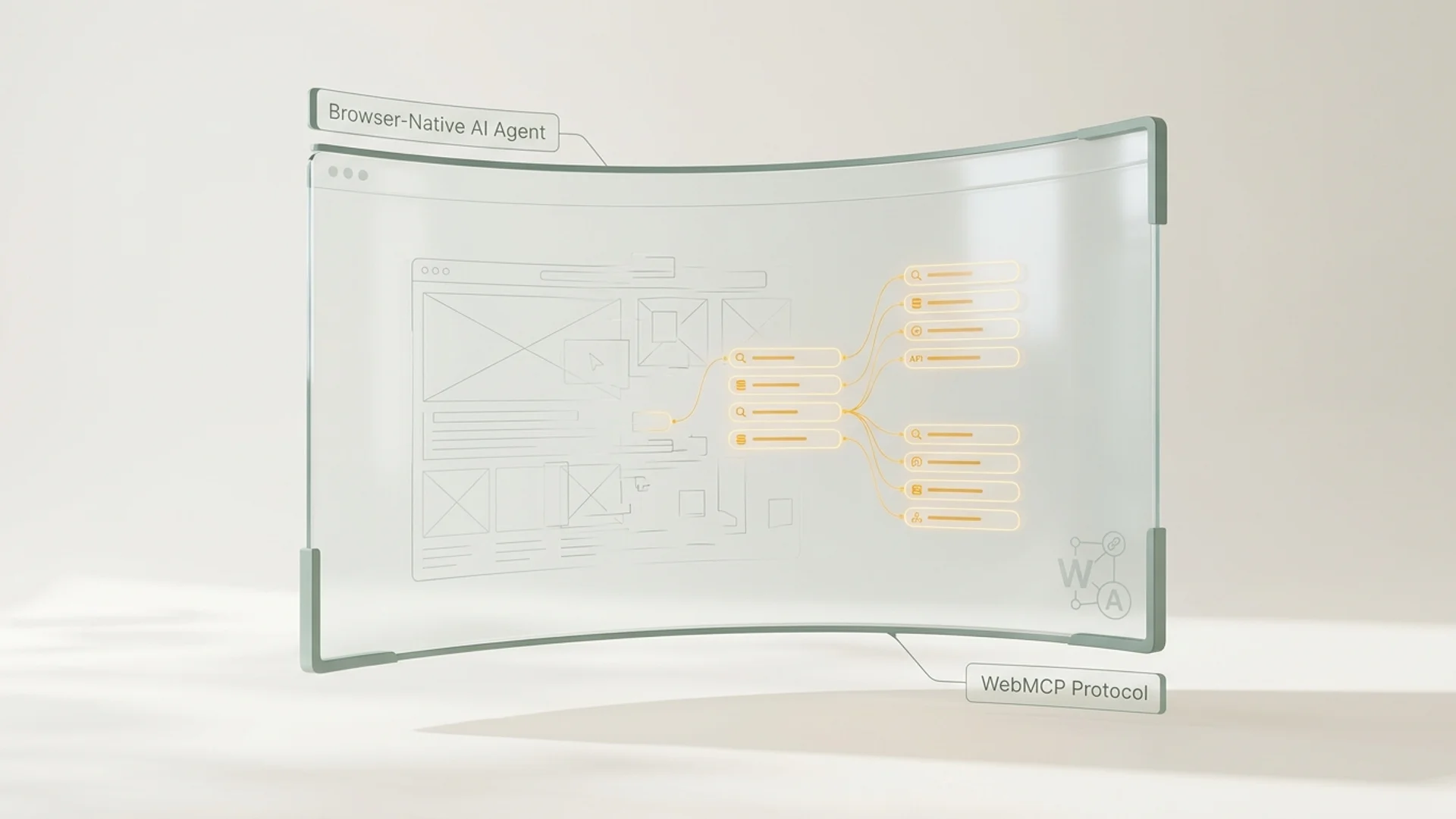
The latest generation of autonomous AI assistants, including Google Project Mariner, Claude Computer Use, and OpenAI Operator, navigate web environments natively inside the browser. However, these models consistently run into a technical roadblock: the bloat and fragility of the modern Document Object Model (DOM). Discover why visual browser scraping fails for commercial tasks and how WebMCP provides the deterministic solution.
Key Takeaways
The DOM Scraping Vulnerability: Browser agents relying on visual screenshots and raw HTML element trees suffer high failure rates due to dynamic client-side rendering, cookie banners, and CSS transitions.
Severe Token and Latency Overheads: Parsing full visual web pages requires 50,000 to 100,000 multimodal tokens per interaction step, causing slow load times and high compute costs.
The WebMCP Solution: Embedding machine-readable WebMCP manifests allows browser agents to invoke native tools directly, bypassing visual UI rendering entirely.
The Limitations of Visual Browser Navigation
When “Computer Use” agents were introduced, the vision was that AI would interact with websites exactly like humans: looking at pixels, simulating cursor clicks, and typing into form fields.
In production commerce environments, this approach presents critical weaknesses:
- Visual Fragility: Minor layout shifts, modal banners, or asynchronous font rendering frequently cause vision parsers to misidentify key CTAs such as ‘Add to Cart’ or ‘Download Specs’.
- The Cookie Modal Trap: AI bots lack the intuitive capability to dismiss complex GDPR cookie banners, frequently becoming trapped in recurring modal loops.
- Explosive Token Expenses: Processing full-resolution screenshots through multimodal vision models costs thousands of tokens per step. A simple 5-step checkout can exceed $1.50 in compute costs per session.
What Is WebMCP and How Does It Function?
The Web Model Context Protocol (WebMCP) shifts AI interaction from visual simulation to deterministic semantic micro-endpoints*.
Instead of forcing AI agents to parse complex nested
``
When a browser agent encounters this manifest, it initiates a Zero-Overhead Data Handshake, retrieving exact data structures instantly.
The Performance Impact of Zero-Overhead Handshakes
| Benchmark Metric | Traditional DOM Scraping | WebMCP Protocol | Improvement |
|---|---|---|---|
| Processing Latency | 4,500 ms – 12,000 ms per step | 80 ms – 150 ms | > 95% Faster |
| Token Cost per Action | 60,000 – 90,000 tokens | 1,200 – 3,000 tokens | 98% Reduction |
| Transaction Success Rate | 42% (modal/DOM crashes) | 99.8% (deterministic schemas) | Maximum Reliability |
| Maintenance Overhead | High on every UI release | Zero (decoupled from CSS) | Future-Proof |
Preparing for Browser-Native Commerce with LLMentry
LLMentry deploys WebMCP endpoints automatically across your existing CMS or e-commerce stack. Human buyers continue enjoying your visual storefront, while autonomous browser agents execute purchases and catalog queries at lightning speed.
FAQ (Frequently Asked Questions)
What is the distinction between Model Context Protocol (MCP) and WebMCP?
MCP is an open standard designed for backend and desktop server-to-agent communication. WebMCP is its native browser extension, allowing AI assistants operating inside web browsers to call structured tools without DOM parsing.
Does adding WebMCP affect normal human visitors on Safari or Chrome?
No. WebMCP is a lightweight, non-blocking metadata script. Standard browsers ignore the manifest, while AI agents parse it immediately upon page entry.
How much server compute does WebMCP save compared to standard crawls?
Because WebMCP requests bypass template rendering, tracking scripts, and asset loading, server CPU load is reduced by up to 80% during automated agent crawls.